

 Français

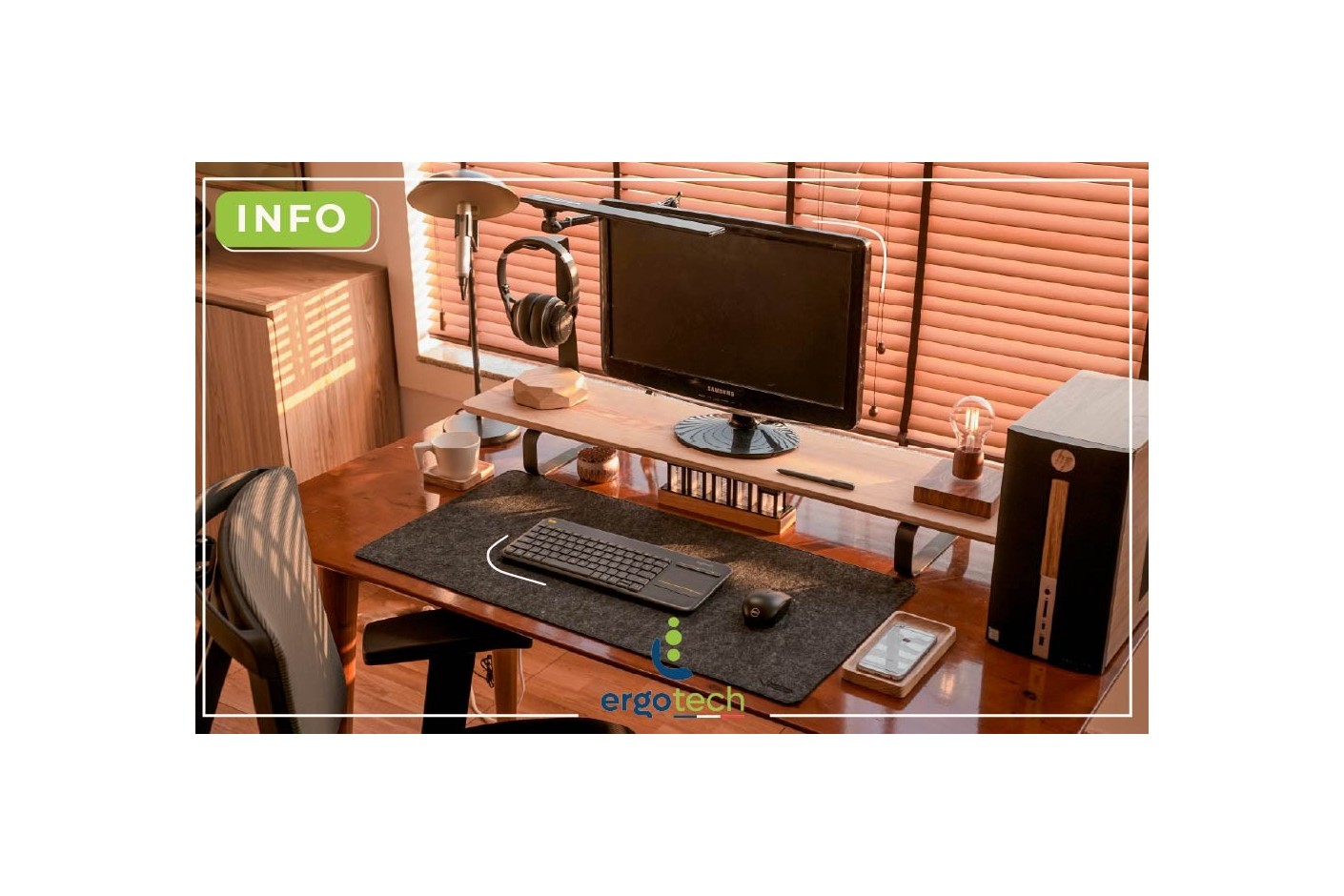
Remote work: Tips to Set Up a Comfortable Home Workstation
Remote work has become a lasting part of everyday life for many employees. While it offers greater flexibility and a better work–life balance, it can also lead to discomfort or even pain when the workstation is not properly set up.
A good home office setup for remote work is based on simple ergonomic principles designed to protect posture, concentration and long-term health.
Here are our tips for creating a comfortable and functional workstation at home.
Choosing The Right Room
The first step in setting up a good home office is choosing a dedicated workspace.
Ideally, the work space should be clearly defined in order to separate professional life from personal life. Even a symbolic separation helps improve focus and maintain mental balance.
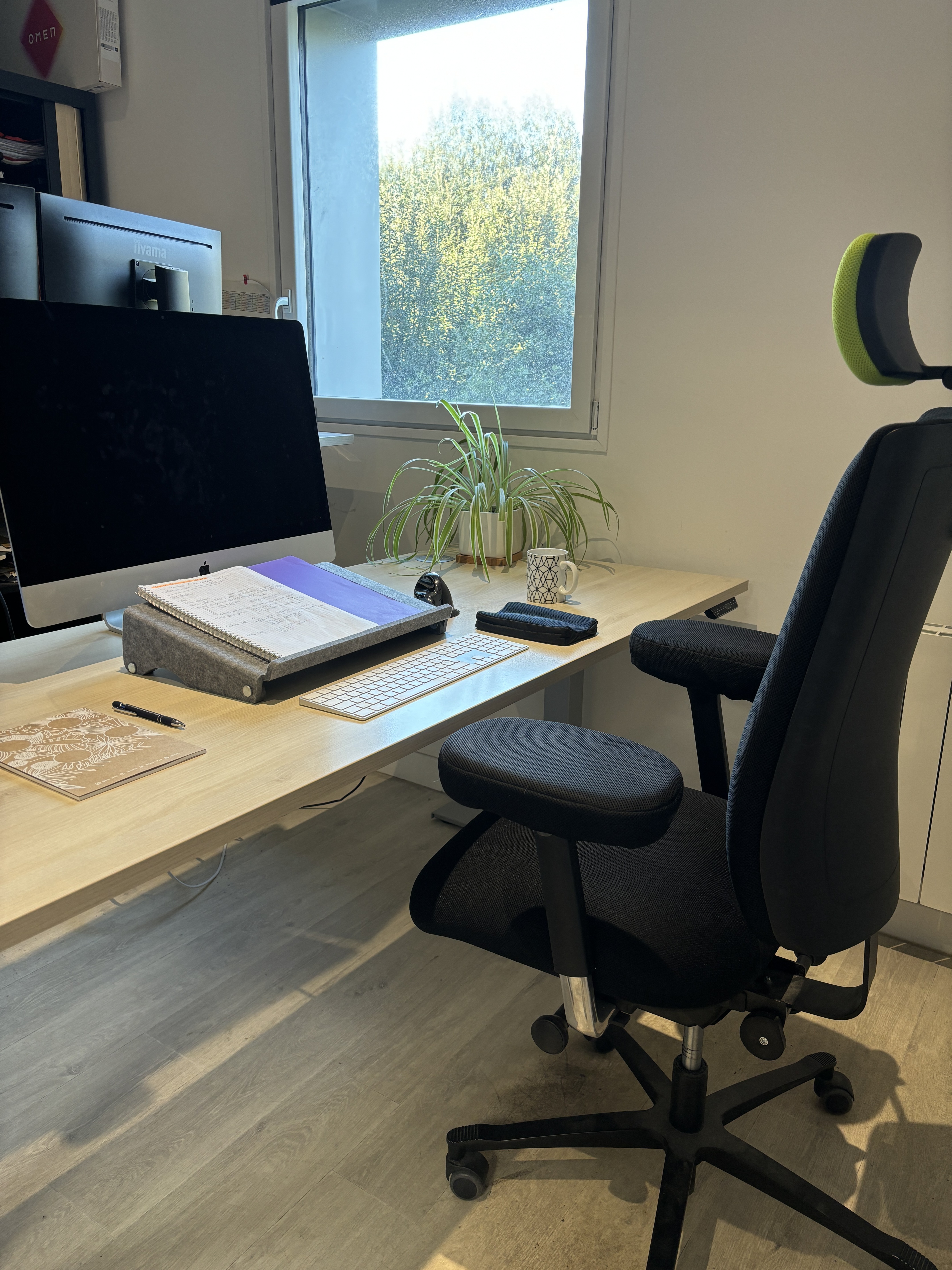
Lighting also plays a key role: choose a space with sufficient natural light, without direct glare on the screen. Poor lighting increases visual fatigue and can lead to headaches.
Finally, whenever possible, select a room that is isolated from noise sources (television, frequent passage, other household members). A quiet environment reduces interruptions and improves efficiency.
A Functional Desk
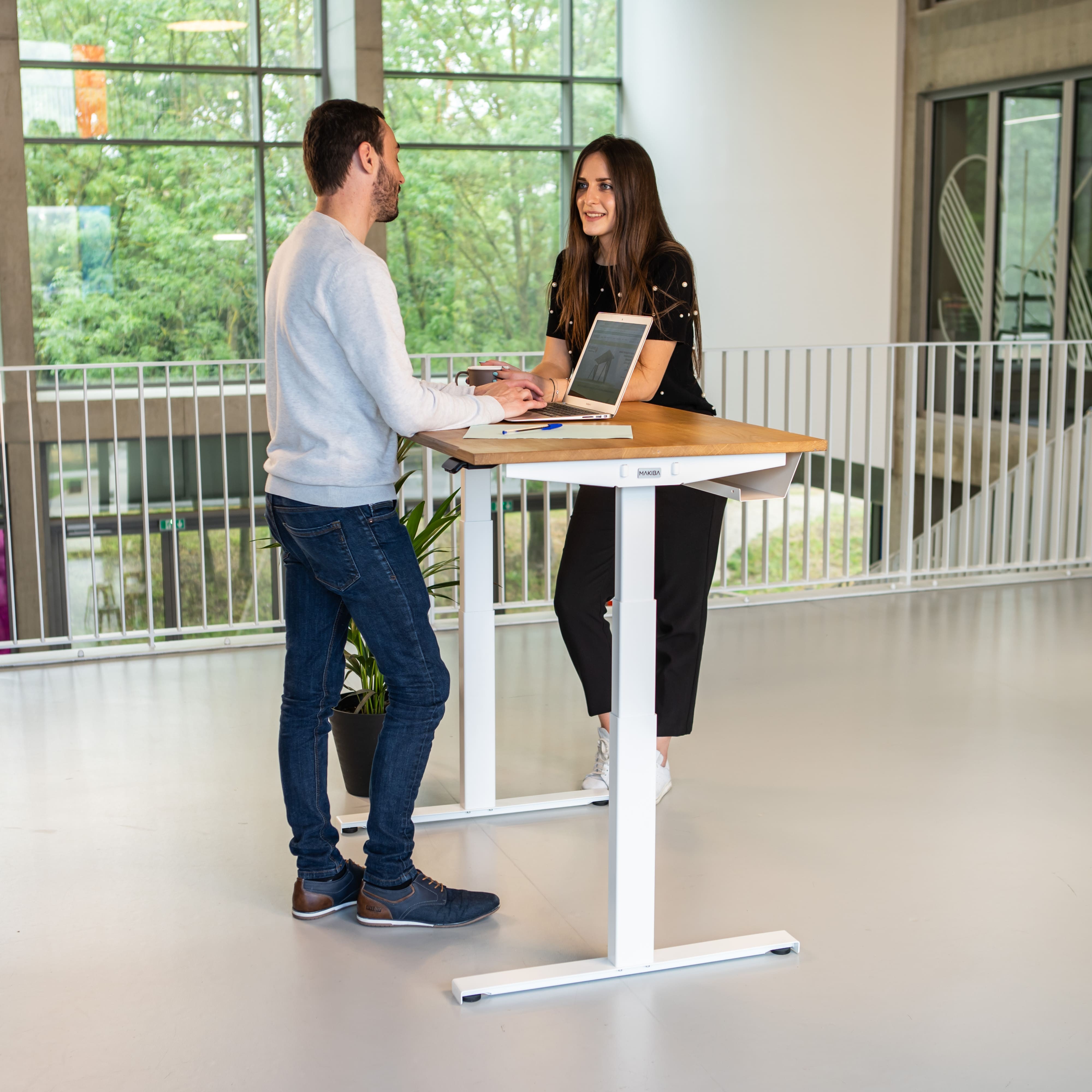
The desk is the central element of remote work ergonomics. Its height should allow you to work with your forearms horizontal, shoulders relaxed and wrists aligned.
More and more remote workers are choosing sit-stand desks, which make it possible to alternate postures throughout the day. This alternation is essential to reduce sedentary behavior and limit muscle tension.
To go even further, it is possible to add a walking pad under the desk to introduce gentle movement during certain tasks.
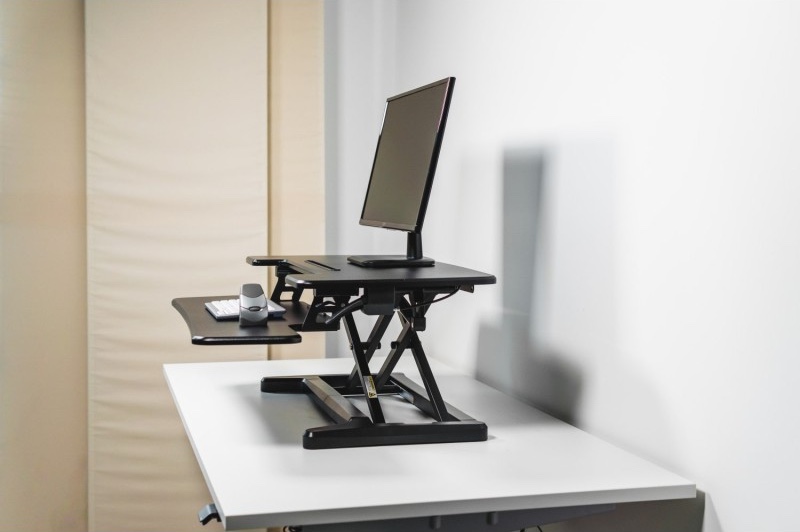
If you already have a fixed desk, a sit-stand desk converter is an excellent alternative. Easy to install, it transforms a traditional desk into a height-adjustable workstation without replacing all your furniture.
A Comfortable Chair
Even with a good desk, an unsuitable chair can quickly lead to discomfort or pain.
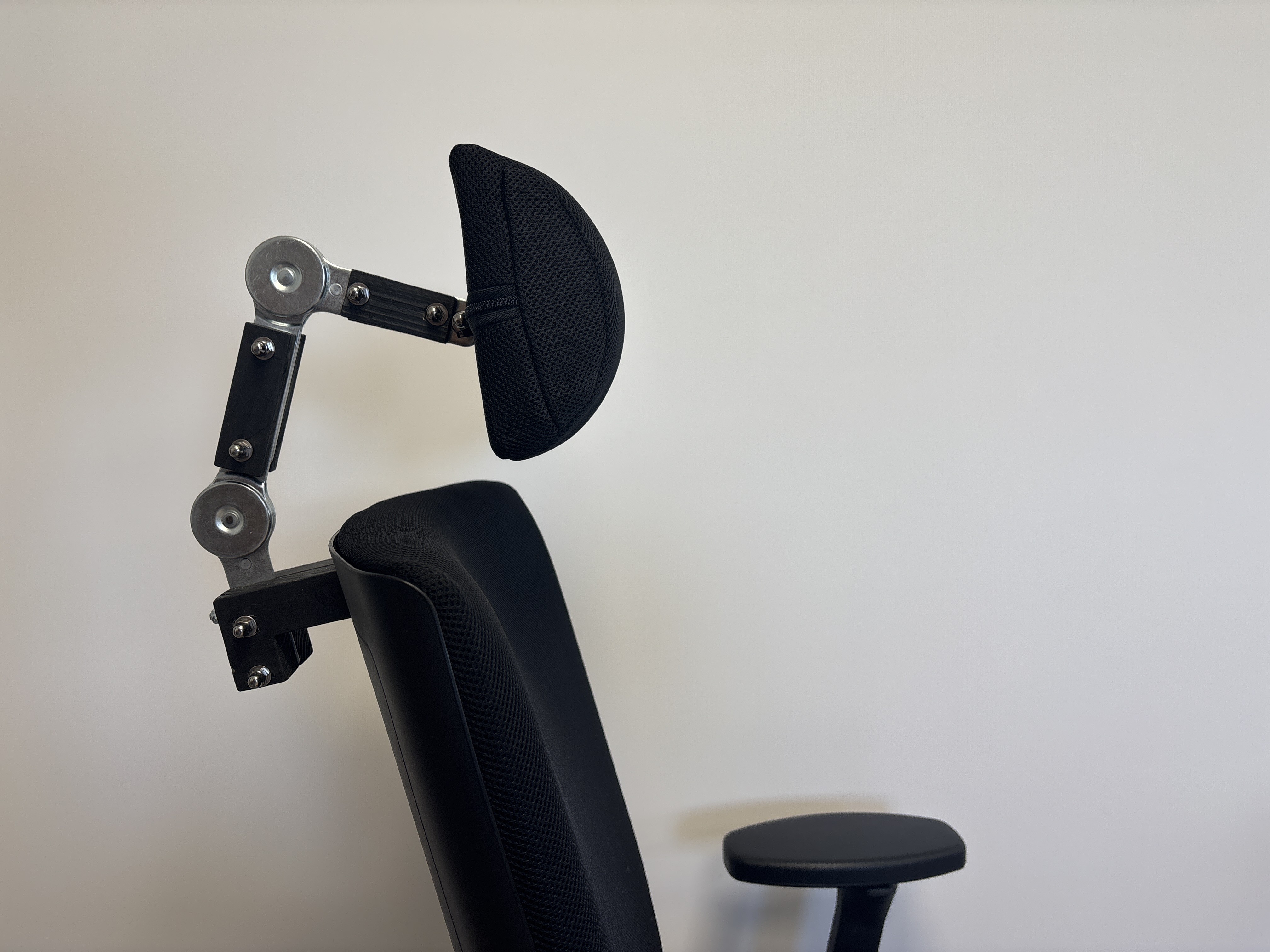
Your chair should offer multiple adjustments (seat height, backrest, armrests, etc.) to adapt to your body shape and properly support your posture.
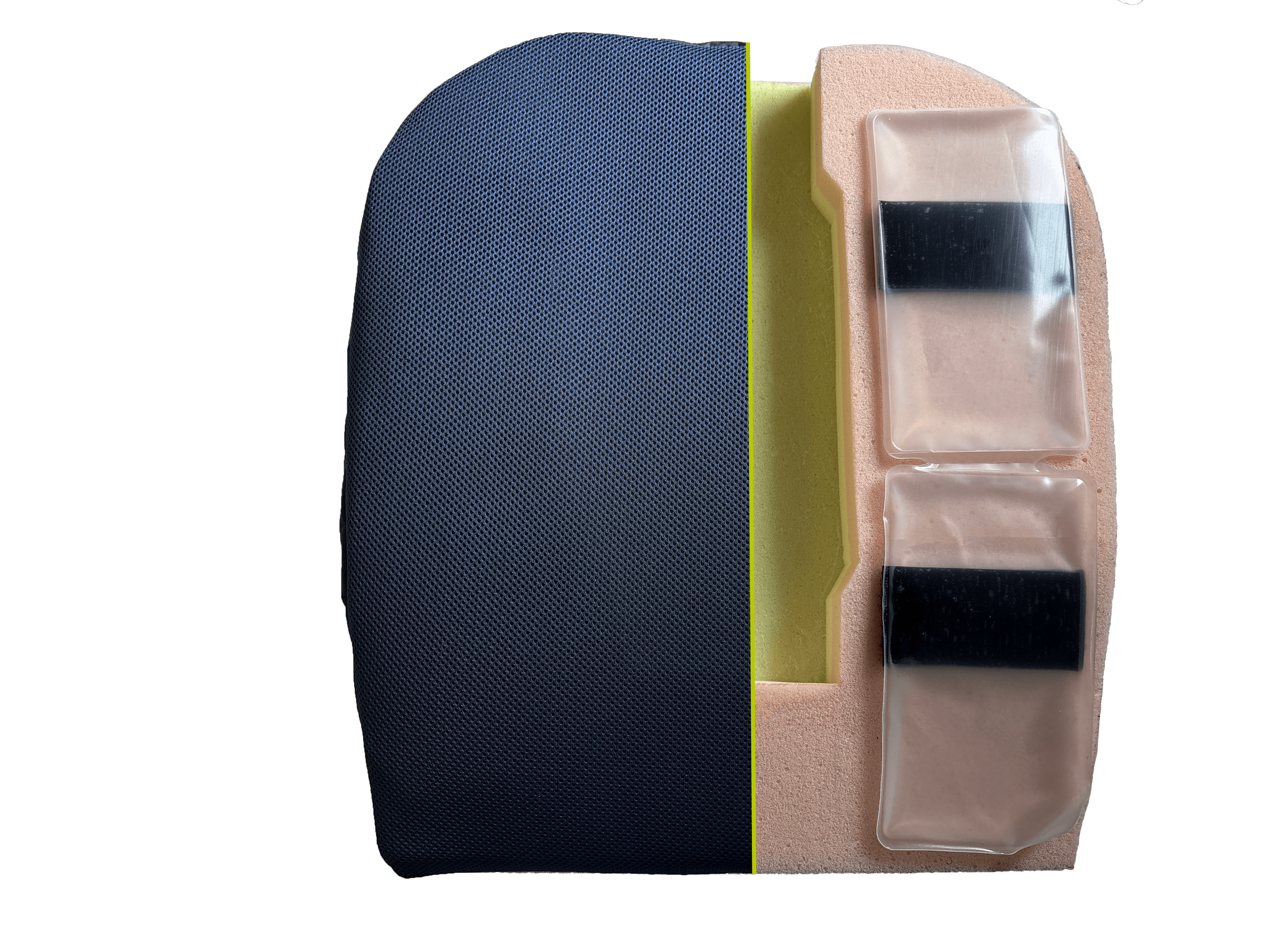
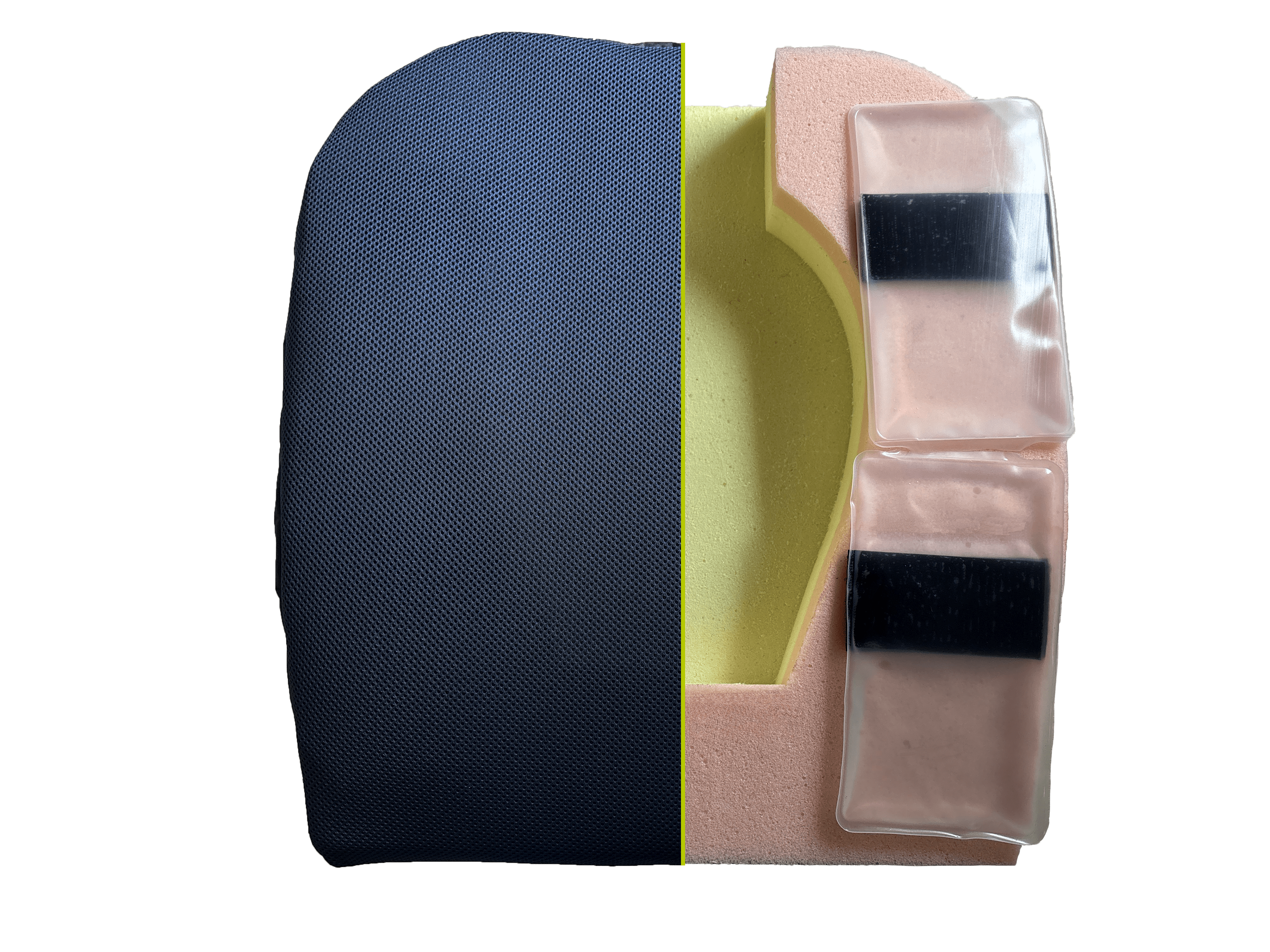
The materials used in the chair are also important: a seat with high-quality, appropriate foam ensures daily comfort and better durability, especially with intensive, everyday use.

IT Equipment
A good home office setup also depends on choosing the right computer accessories.
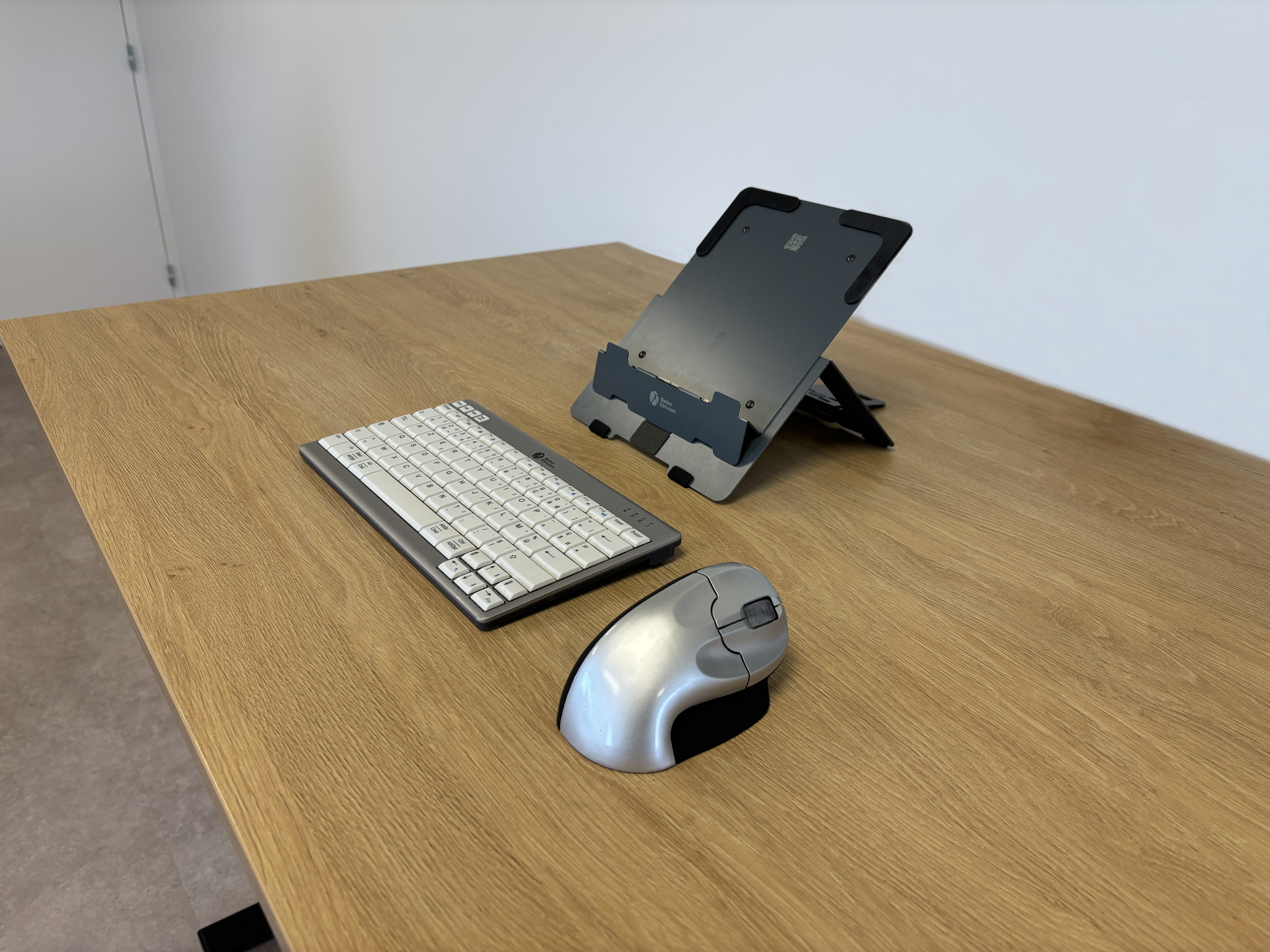
Using an appropriate mouse and keyboard helps reduce strain on the wrists and forearms.
If you work on a laptop, adding a laptop stand is strongly recommended to raise the screen to eye level. Ideally, it should be combined with an external screen or a separate keyboard and mouse to maintain a neutral posture.
Other Good Habits to Adopt
Personalizing your workspace with a few decorative elements (plants, inspiring objects) improves well-being and motivation.
Finally, remote work often encourages more sedentary behavior than working in an office. It is therefore essential to take regular breaks, stand up, stretch and move as much as possible throughout the day. These micro-breaks also help relax muscles and stimulate blood circulation, preventing tension and pain.
Key Takeaways
A well-designed home workstation relies on a balance between space, ergonomic furniture and healthy habits:
- Clear separation between work space and living space
- Ergonomic office furniture
- Proper IT equipment to limit strain when working on a computer
- Regular breaks and movement to combat sedentary behavior and muscle tension