

 Français

Telework in Belgium in 2025: Statistics and Tips for Setting Up Your Home Office
Remote work has definietly become a part of Belgian employees work life. Since the Covid-19 pandemic, working from home has turned into a daily reality for a large number of people, and the latest figures show that it continues to be widely adopted across Belgium.
What are the habits of Belgian worker when it comes to telework? And above all, how can you create a comfortable, ergonomic home office setup that supports your health and productivity?
Table of Contents
Remote Work in Belgium: Statistics for 2025
One in Three Belgian Employees Works From Home on a Regular Basis
According to Statbel, the Belgian statistical office, 33% of belgian employees worked occasionally or regularly from home in 2024. Working from home is particularly popular in the public sector, where nearly one in two employees works remotely, while in the private sector they account for 28%.
Before 2020 and the global pandemic, this percentage was much lower: only about 19% of Belgian workers had access to remote work. The phenomenon has almost doubled and has become a lasting and structural part of the Belgian labour market.
Remote Work: Millions of Kilometres Saved Every Day
Remote work helps avoid a considerable number of daily commutes between home and the workplace. The Belgian Federal Public Service for Mobility estimates that Belgians avoid around 34 million kilometres of home–work travel per day thanks to remote work, including 16 million kilometres by car.
In other words, remote work contributes to:
- • fewer traffic jams,
- • less stress related to commuting,
- • a lower environmental footprint.
Workers with long commutes (50 km and more) are also those who work remotely the most often, making teleworking an important lever for improving their quality of life.
Between 1 and 3 Days of Remote Work per Week in Belgium
According to the 2025 BeMob survey by the Federal Public Service for Mobility, more than 3 out of 10 Belgians work remotely at least one day per week.
Common practices observed in companies:
- • Most employees work remotely 1 to 2 days per week;
- • A growing number work remotely up to 3 days per week, especially in Brussels;
- • The “hybrid work” model (alternating between office and home) remains by far the most popular.
On the employer side, a survey of organisations shows that over 85% of large organisations offer regular remote work as part of their HR and mobility policies.
Who Telework the Most in Belgium?
Remote work in Belgium mainly concerns the following groups:
- • managers,
- • intellectual and scientific professions,
- • administrative employees.
These professions rely heavily on computer equipment and digital tools. As a result, they particularly benefit from a well-equipped home office that supports posture, concentration, and comfort. In the second part of this report, you’ll find our expert advice for setting up an ergonomic remote workstation tailored to your needs.
How to Set Up an Ergonomic Home Office for Teleworking?
Whether you work remotely 1, 2, or 3 days a week, a poorly adapted workspace can quickly lead to:
- • back pain
- • tension in the back and neck
- • eye strain
- • lack of concentration
- • general discomfort
Here are our essential tips for creating a pleasant, efficient, and healthy home office for remote work.
Tips for Positioning Your Desk at Home
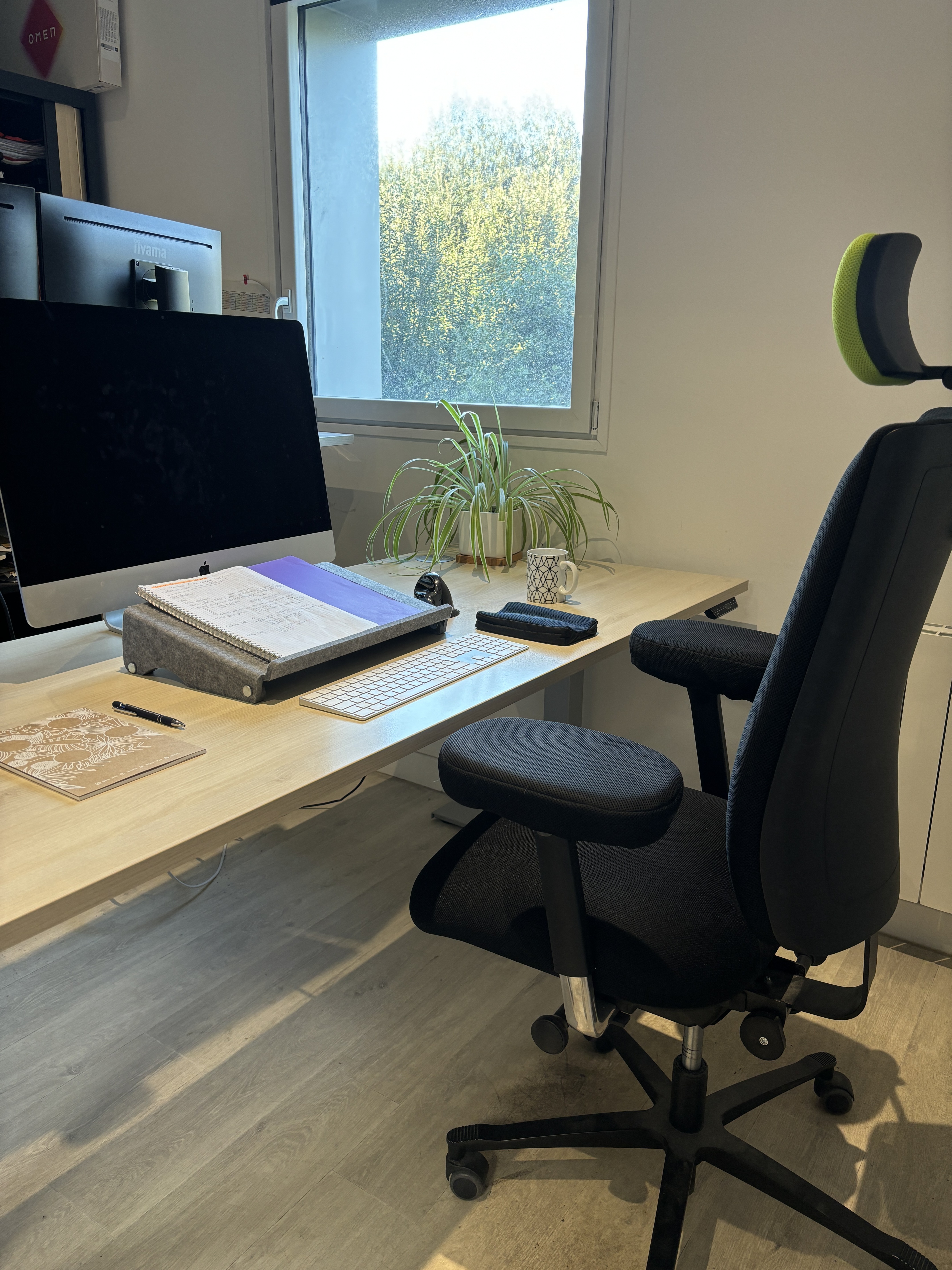
The first question is often: where should you place your desk at home? We recommend placing your workspace in a separate room if possible. If that’s not an option, set up at least a dedicated area rather than working at the kitchen table. This helps you maintain a clear boundary between work and personal life — something many remote workers struggle with.
Ideally, position your desk near a window to take advantage of natural light. Placing it perpendicular to the window helps avoid screen glare, which can increase eye strain and reduce visual comfort.
If you need extra light, opt for an adjustable desk lamp with a neutral-tone bulb to avoid overly harsh or overly warm lighting.
Choosing an Ergonomic Office Chair
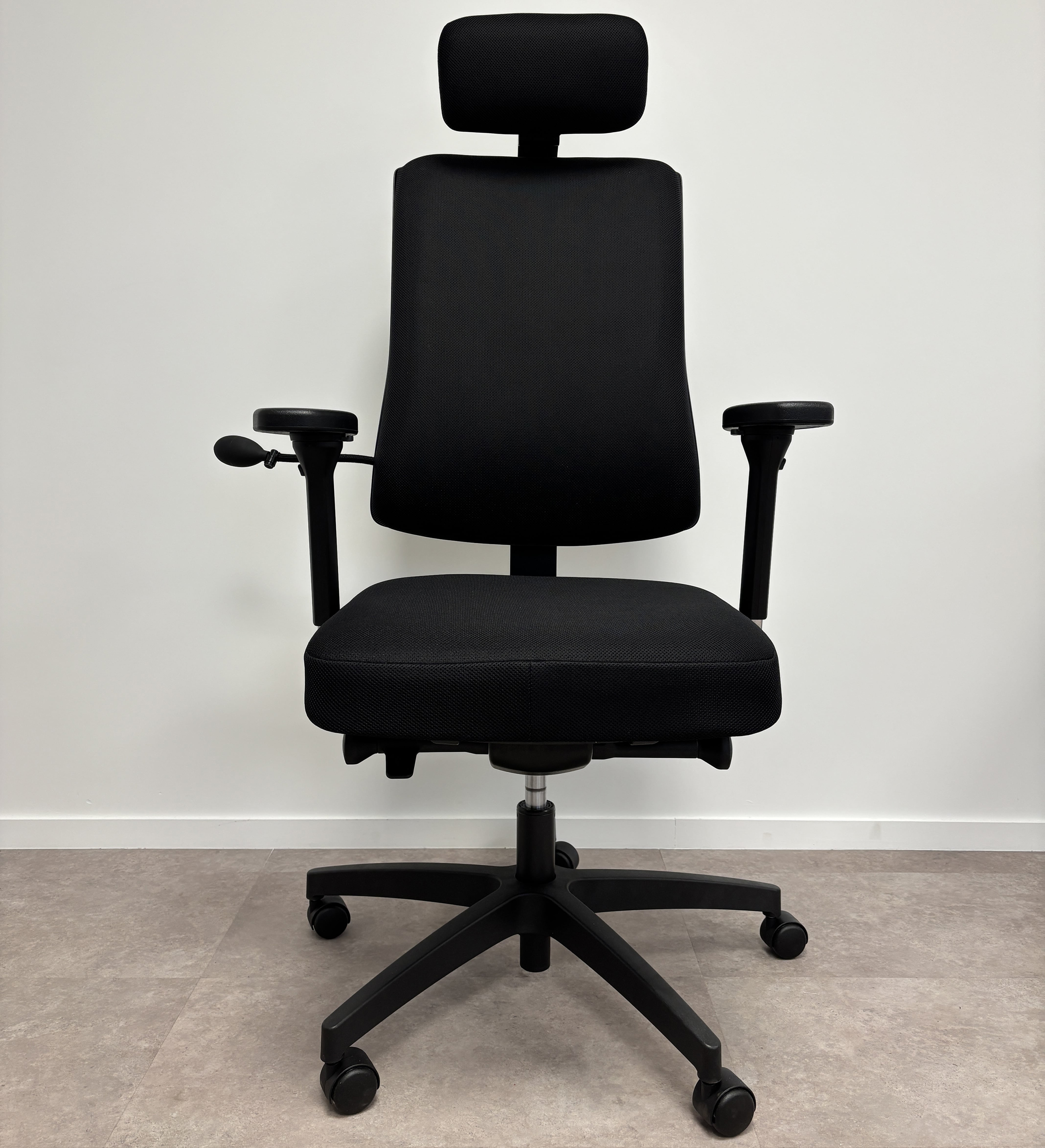
If you spend up to 8 hours sitting at your desk, a kitchen chair simply won’t do — you’ll quickly experience muscle tension, circulation issues, and back pain. To avoid this and ensure good comfort, choose an ergonomic chair featuring:
- • adjustable height,
- • adjustable lumbar support,
- • adjustable armrests,
- • a soft seat with high-quality cushioning.
An ergonomic office chair is a worthwhile investment if you work from home regularly. There are now models suited to all body types and all budgets, making it easier to equip your home office properly.
Adjusting Your Screen Height
A poorly positioned screen is one of the most common causes of neck and upper back pain when working from home.
Our tips for adjusting your screen correctly:
- • The top of the screen should be at eye level;
- • For a laptop, use a laptop stand plus an external keyboard and mouse.
If you use two screens, an articulated monitor arm offers precise adjustments, frees up space on your desk, and significantly improves comfort and flexibility.
Positioning Your Keyboard and Mouse
Here are the best practices for positioning your mouse and keyboard:
- • The keyboard should lie flat and sit about 15 cm from the front edge of the desk;
- • The mouse should be placed close to the keyboard to avoid reaching outward and over-straining the shoulder. Shorter than a standard keyboard, a compact ergonomic keyboard brings the mouse even closer to the body’s centre.
An ergonomic mouse — vertical or central — is also highly appreciated in office environments, as it reduces strain on the wrist and forearm and can help prevent repetitive strain injuries.
Adapting Your Setup to How Often You Work Remotely
When choosing your equipment, consider the space available for setting up your home office and how frequently you work remotely.
For Occasional Remote Work (1 Day a Week or Less, Without a Fixed Schedule):
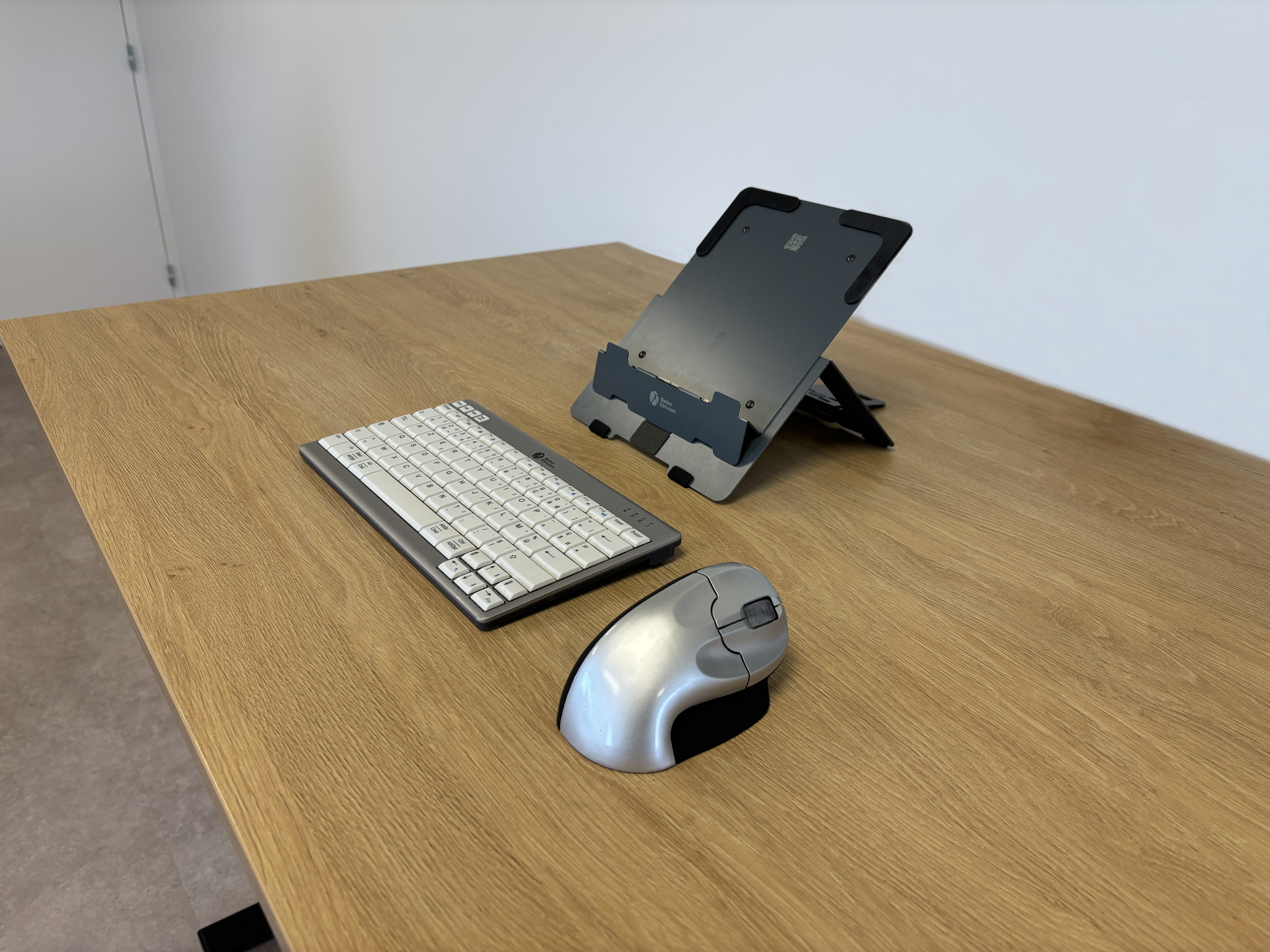
We still recommend equipping yourself for comfort and preventing pain, using compact accessories that are quick to set up and store away:
- • A laptop stand
- • A vertical mouse
- • A compact keyboard
For Regular Remote Work (2 to 3 Days Every Week)
- • An ergonomic office chair,
- • A monitor arm,
- • An ergonomic keyboard and mouse set

Conclusion
Remote work is now part of everyday life for millions of Belgians. With 1 in 3 Belgian workers working remotely on a regular basis, setting up an ergonomic home office is no longer a luxury — it’s an essential investment for protecting your health and staying productive over the long term.
An adapted remote workstation helps you to:
- • reduce pain
- • improve concentration
- • increase comfort
- • preserve your health
- • work efficiently, even from home
Need support to set up a home office tailored to your needs and the space available in your home?